H0w To DISABLE USB port

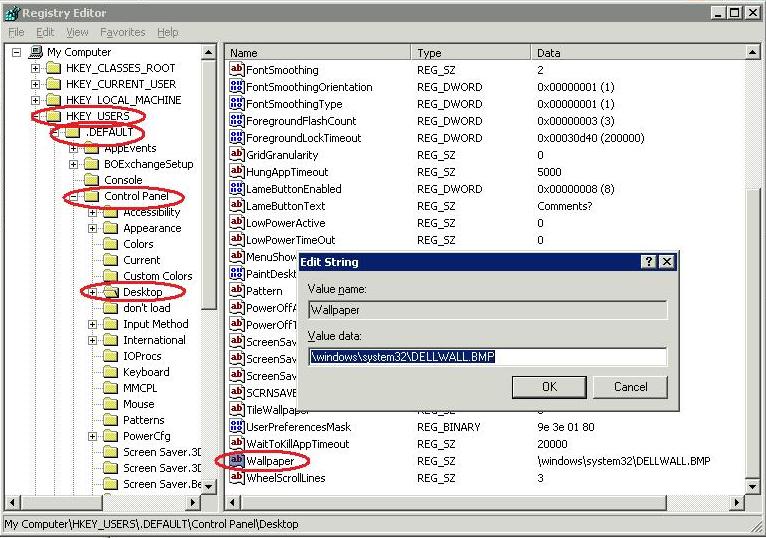
Step 1 :Open Registry Editor
Step 2 : Navigate through following Path
HKEY_LOCAL_MACHINE > SYSTEM > CurrentControlSet > Services > USBSTOR
Step 3: Double Click the Start option
By Default , Value is 3 . It means USB Storage Devices are enabled .
To disable USB Devices , change the value data to 4 .